
Find the cause of device overheating.
Loud fans, a hot casing or sudden shutdowns usually point to heat. We trace where it comes from and fix that.
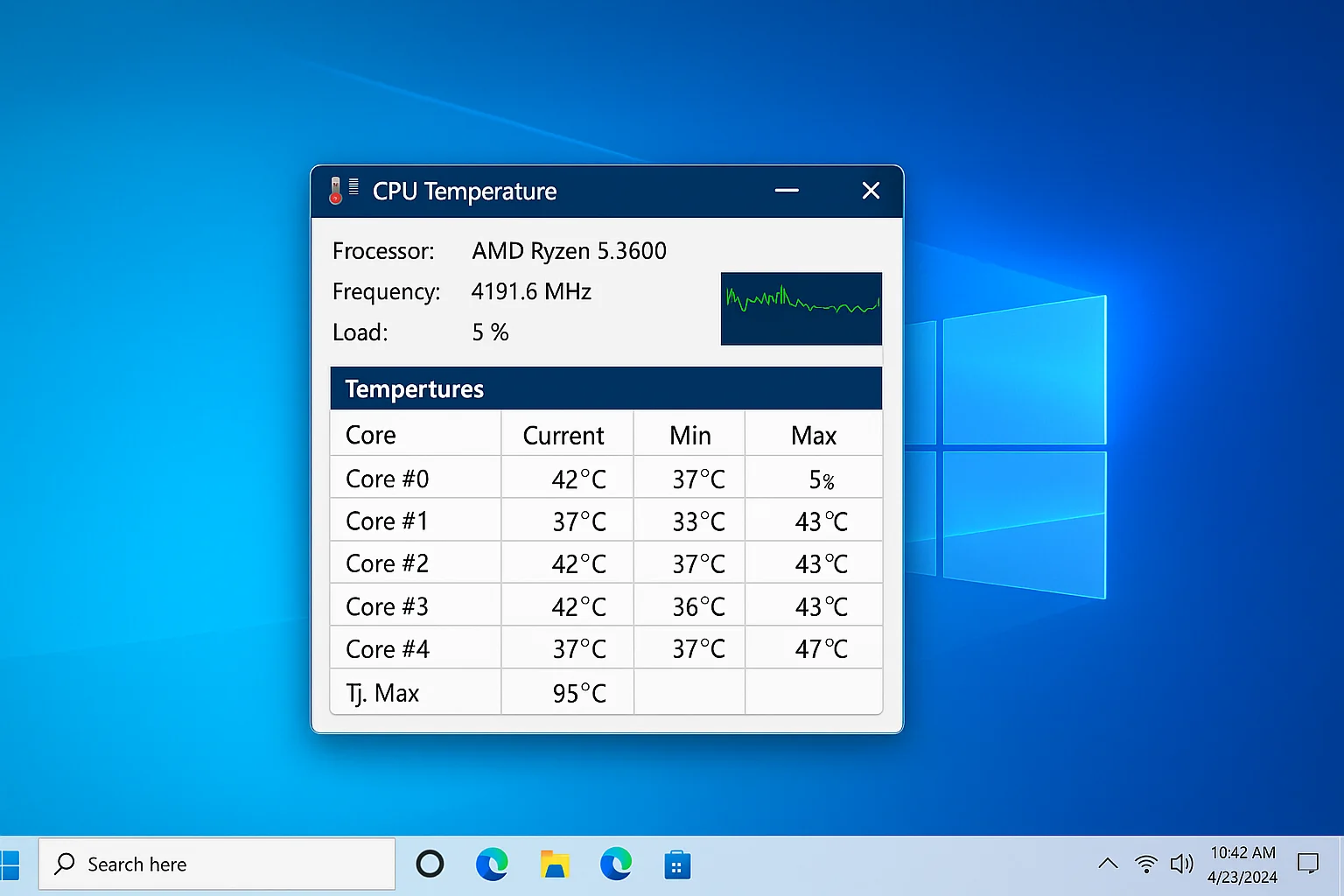
A REPAIR-FIRST APPROACH
Find where the
heat comes from.
Heat builds up when airflow is blocked or cooling parts wear out, and it can make a device slow down or switch itself off. We look for the cause first, then explain the proposed work before going ahead.
Tell us the device and when it gets hot, for example while charging or during play. We’ll explain what we find.
What we can do depends on your device and what we find during assessment.
COMMON ISSUES
Sound familiar? We can help.
You don’t need to know the cause. Just tell us what you’re noticing.
Loud fans
Fans that whirr, rattle or run at full speed when nothing is happening.
Hot to touch
A casing or surface that gets uncomfortably warm in normal use.
Sudden shutdowns
The device switches off or restarts once it warms up.
Slowdowns under load
Performance drops after a short time playing or streaming.
Worn cooling parts
Dried thermal paste, a failing fan or a damaged heat sink.
Blocked vents
Dust packed into vents that stops air moving through.
SIMPLE FROM THE START
From fault
to next step.
Clear communication, without the technical overwhelm.
- 01
Tell us the symptoms
Share the device and when it gets hot.
- 02
Understand the fault
We assess the issue and explain the repair options.
- 03
Choose your next move
Review the proposed work before the repair goes ahead.
LET’S GET IT WORKING
Your next step? A second chance.
Tell us what’s happening with your device. We’ll help you find a sensible way forward.